How Self Service Payment Kiosks Are Made
The creation of a self-service payment kiosk involves several key steps:
1. Design and Engineering: The process begins with designing the kiosk based on the intended application and user requirements. This includes choosing the right materials, creating a user-friendly interface, and determining the necessary hardware components.
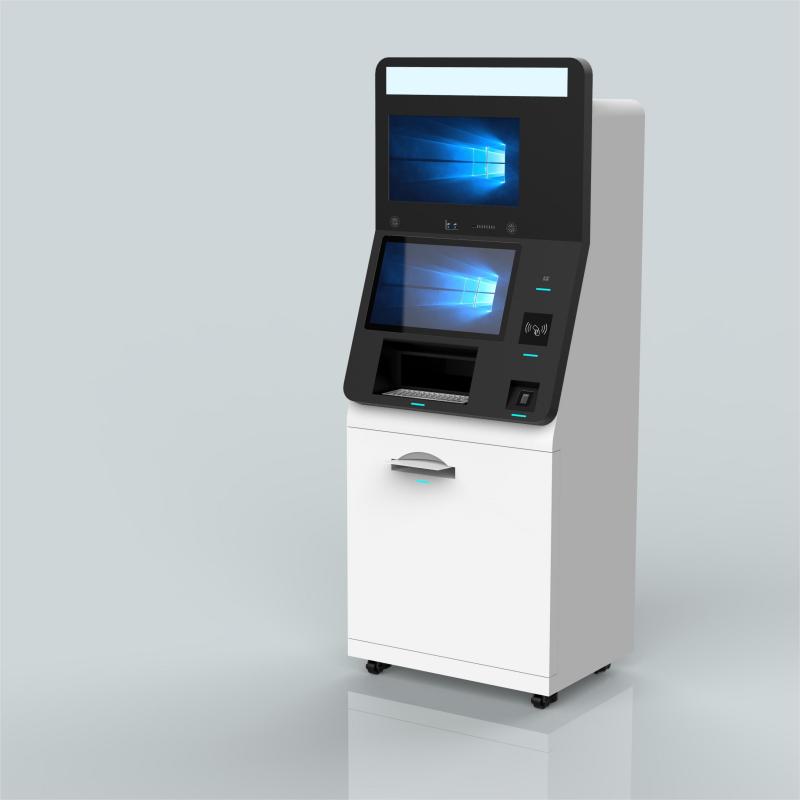
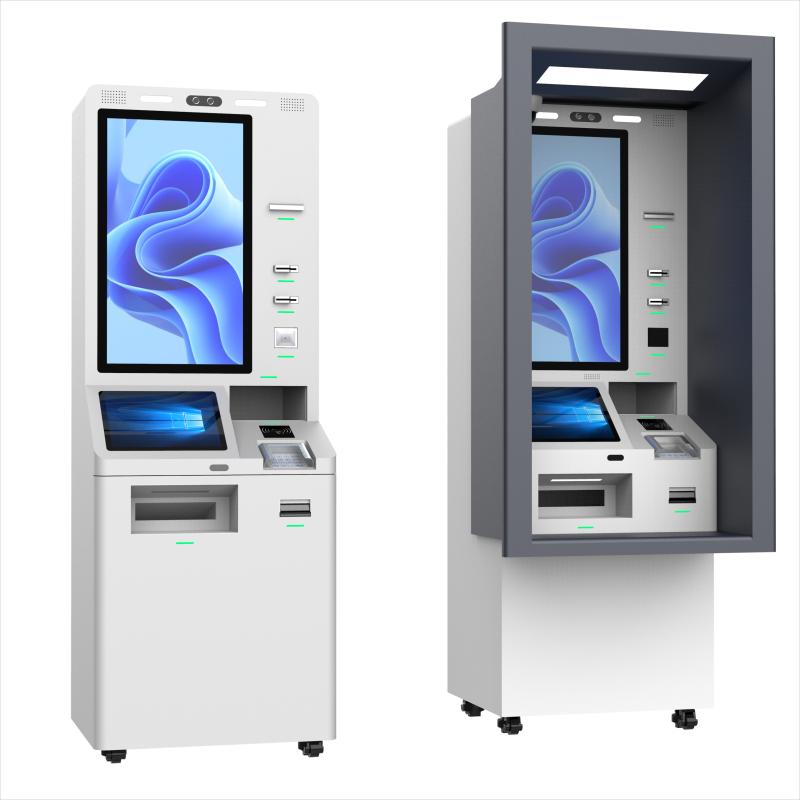
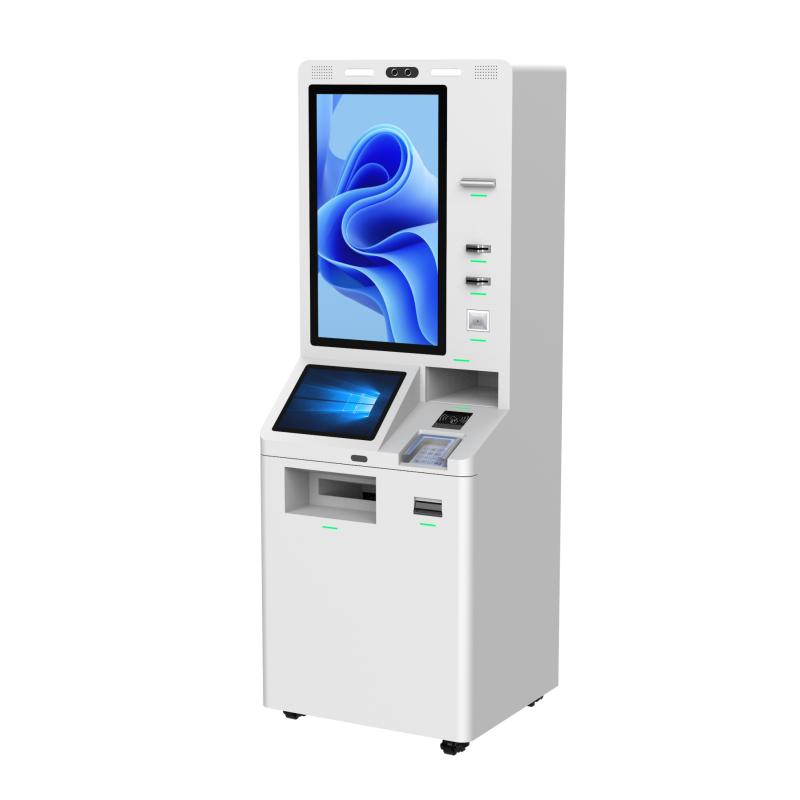
2. Component Integration: The selected components—such as the touchscreen display, payment processing unit, receipt printer, and CPU—are integrated into the kiosk's structure. These components are carefully assembled to ensure seamless interaction and reliability.
3. Software Development: Custom software is developed to manage the kiosk's operations, including transaction processing, user interface, and connectivity with backend systems. The software is tested extensively to ensure it meets security and functionality standards.
4. Prototyping and Testing: A prototype of the kiosk is built and subjected to rigorous testing, including stress tests, usability tests, and security checks. Any issues identified during testing are addressed before moving to full-scale production.
5. Manufacturing and Assembly: Once the design and prototype are finalized, the kiosk goes into mass production. Components are manufactured or sourced, and the kiosks are assembled in a controlled environment to maintain quality standards.
6. Quality Assurance: Each kiosk undergoes thorough quality checks to ensure it meets all specifications. This includes testing the hardware, software, and overall durability.
7. Deployment and Installation: The finished kiosks are deployed to their intended locations, where they are installed and configured for immediate use.
How to Use a Self-Service Payment KioskStart by Touching the Screen: Most kiosks are activated by simply tapping the screen, which will bring up the main menu or options. Select the Desired Service: Choose the service you need, such as making a payment, purchasing a ticket, or checking in. Enter Necessary Information: Input any required information, such as a phone number, account number, or item selection, using the on-screen keyboard. Choose a Payment Method: Select your preferred payment method, which could include credit/debit card, mobile payment (NFC), or cash. Complete the Transaction: Follow the prompts to finalize your payment. If using a card, you may need to insert or swipe it. For mobile payments, hold your device near the NFC reader. Receive a Receipt: Once the transaction is complete, you’ll be offered the option to print a receipt or receive an electronic one via email. Collect Your Items or Confirmation: If the kiosk is dispensing a product, ticket, or other item, collect it from the designated slot. For other services, note your confirmation details.
| Purchase Considerations for a Self Service Payment KioskBusiness Needs: Consider the specific needs of your business, such as the type of transactions you handle, the volume of customers, and the environment where the kiosk will be placed. Customization Options: Look for kiosks that can be customized to fit your brand identity, such as colors, logos, and interface design. Also, consider the flexibility in adding or removing features as your business evolves. Payment Methods: Ensure the kiosk supports a wide range of payment methods, including cash, credit/debit cards, and contactless payments, to accommodate all customer preferences. Security Features: Security is crucial for payment kiosks. Look for features like encrypted transactions, secure hardware, and software that complies with PCI DSS (Payment Card Industry Data Security Standard). Ease of Use: The kiosk should have an intuitive interface that’s easy for customers to navigate. This reduces the learning curve and enhances user satisfaction. Durability and Maintenance: Consider the build quality of the kiosk, especially if it will be placed in a high-traffic or outdoor area. Check for warranties, and ensure that maintenance and support services are readily available. Cost and ROI: Evaluate the initial cost of the kiosk against the potential return on investment (ROI). Consider factors such as reduced labor costs, increased efficiency, and improved customer satisfaction when calculating ROI. Compliance with Regulations: Ensure that the kiosk meets all relevant local regulations, such as accessibility requirements (e.g., ADA compliance in the U.S.) and industry-specific standards.
|






What did our happy clients say?
We are extremely satisfied with our new self service payment kiosk! The installation was seamless, and it has greatly improved our customer service. Thank you to this kiosk manufacturer for such a reliable product!
This self service payment kiosk has been a game-changer for our business. It's user-friendly and efficient, exactly what we needed. We highly recommend this kiosk manufacturer for their excellent service and quality!
Our new self service payment kiosk is perfect! It has reduced wait times and increased customer satisfaction. We appreciate the outstanding support from the manufacturer and highly recommend them!
The self service payment kiosk we purchased exceeded our expectations. It's well-built and easy to use. A big thanks to this kiosk manufacturer for their professionalism and top-notch product!