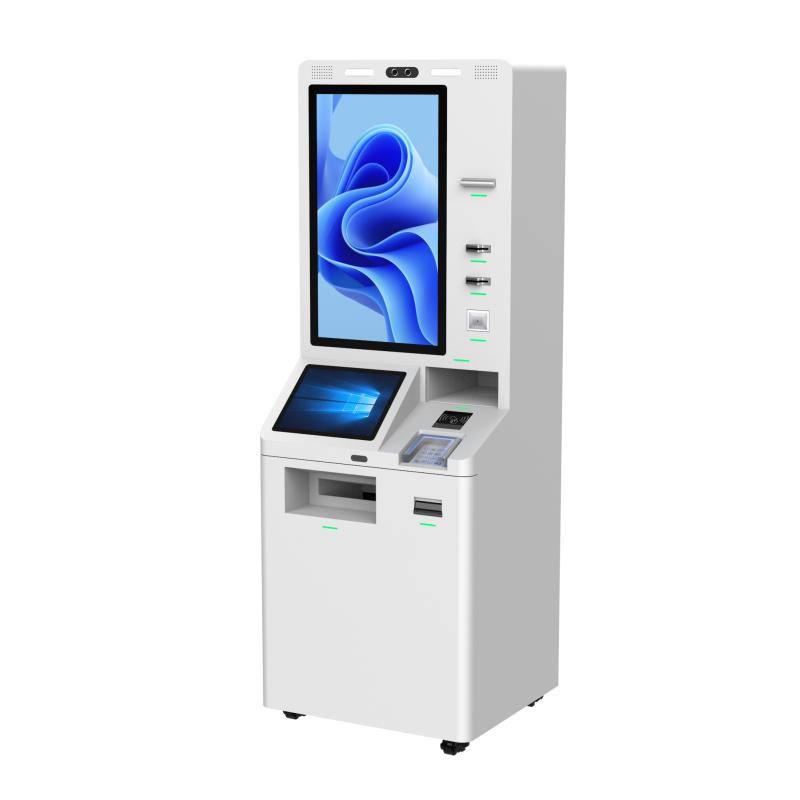
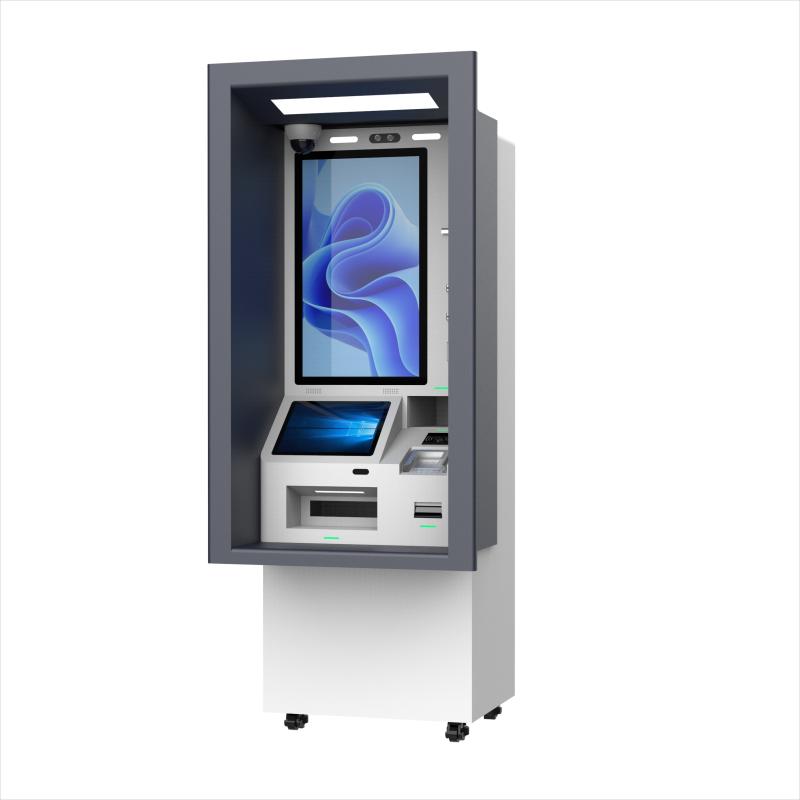
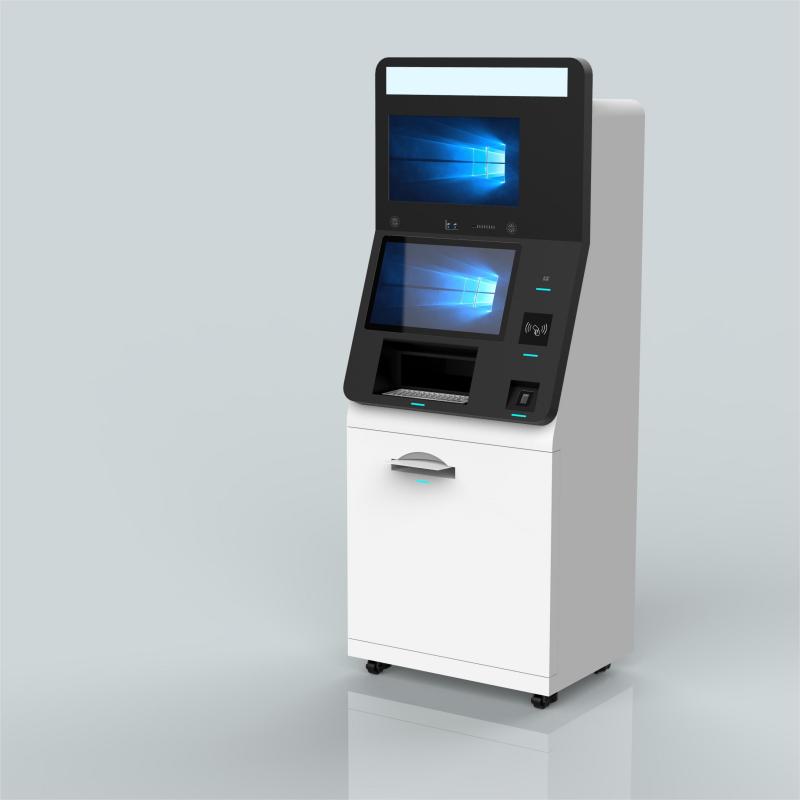
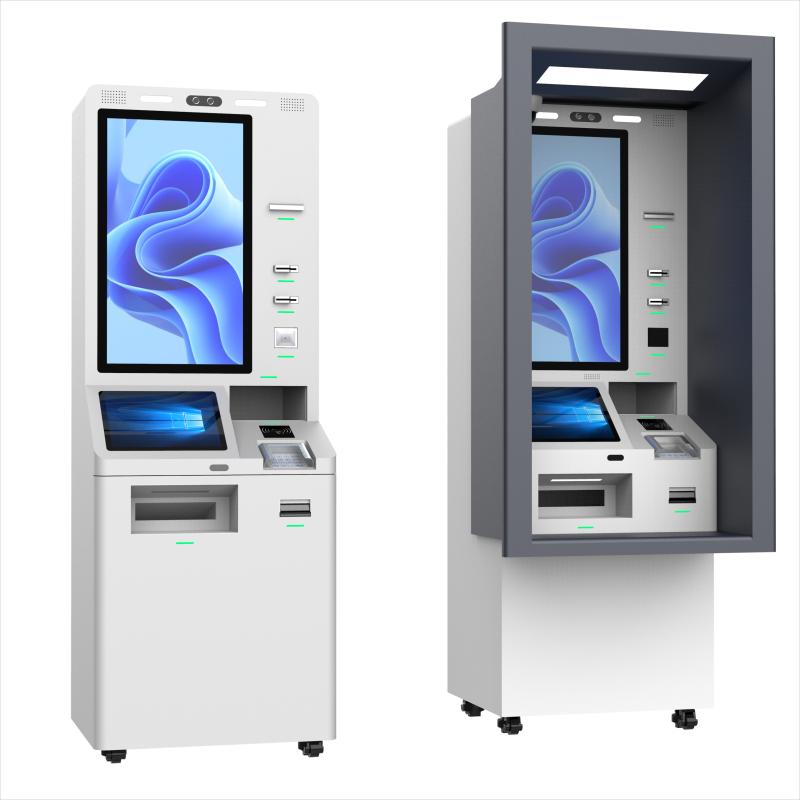
Customization Options of Self Payment Kiosk
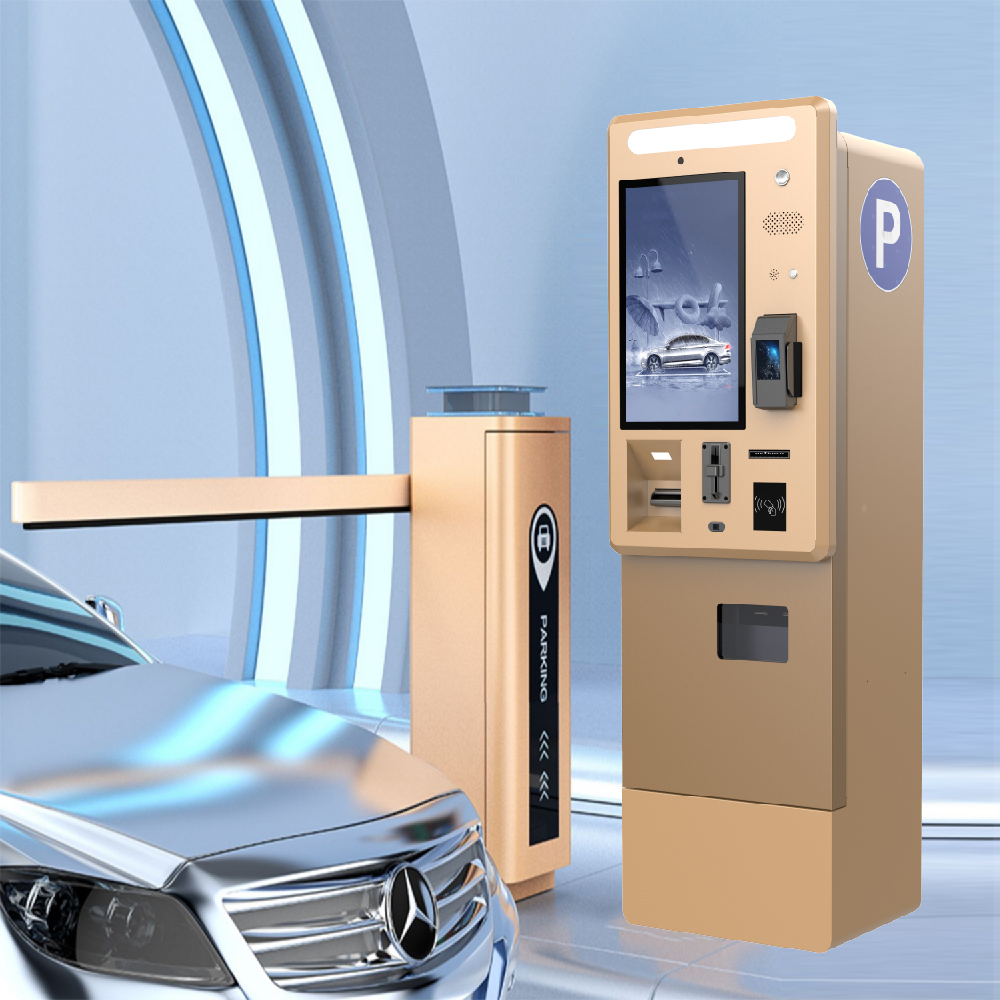
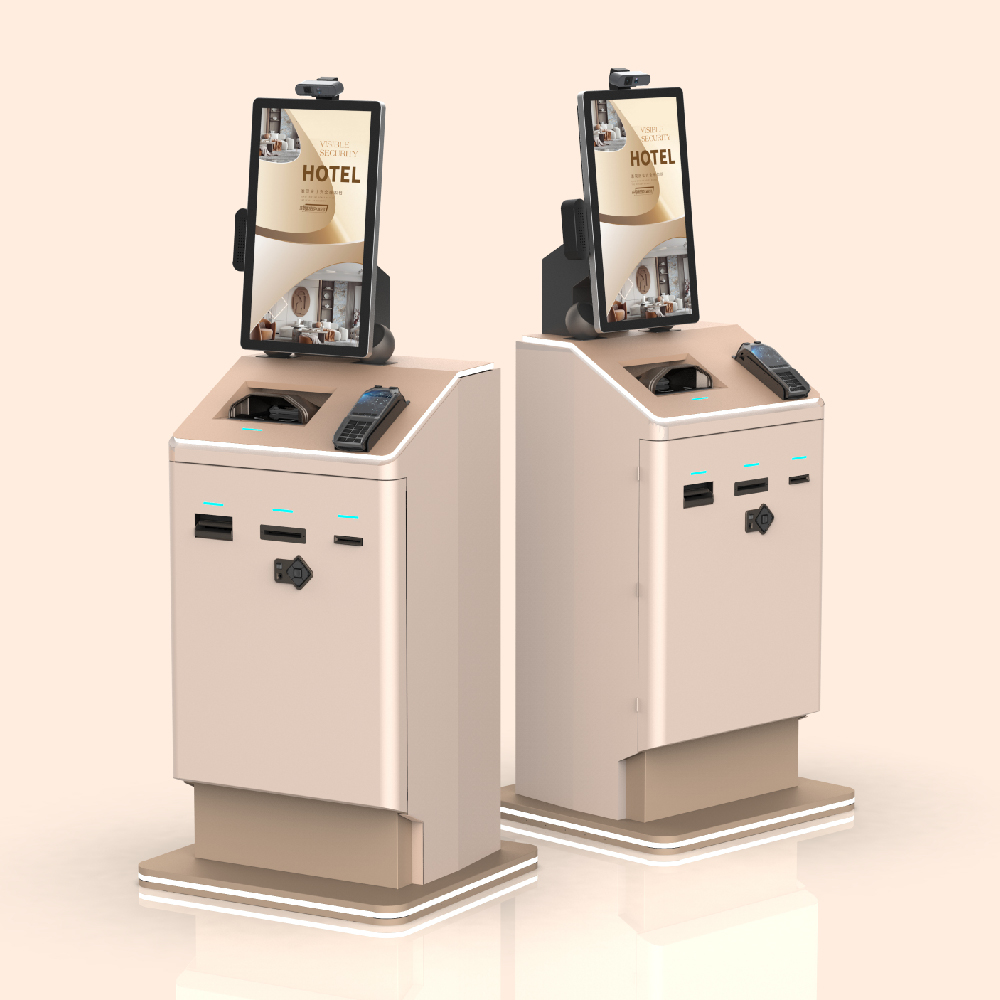
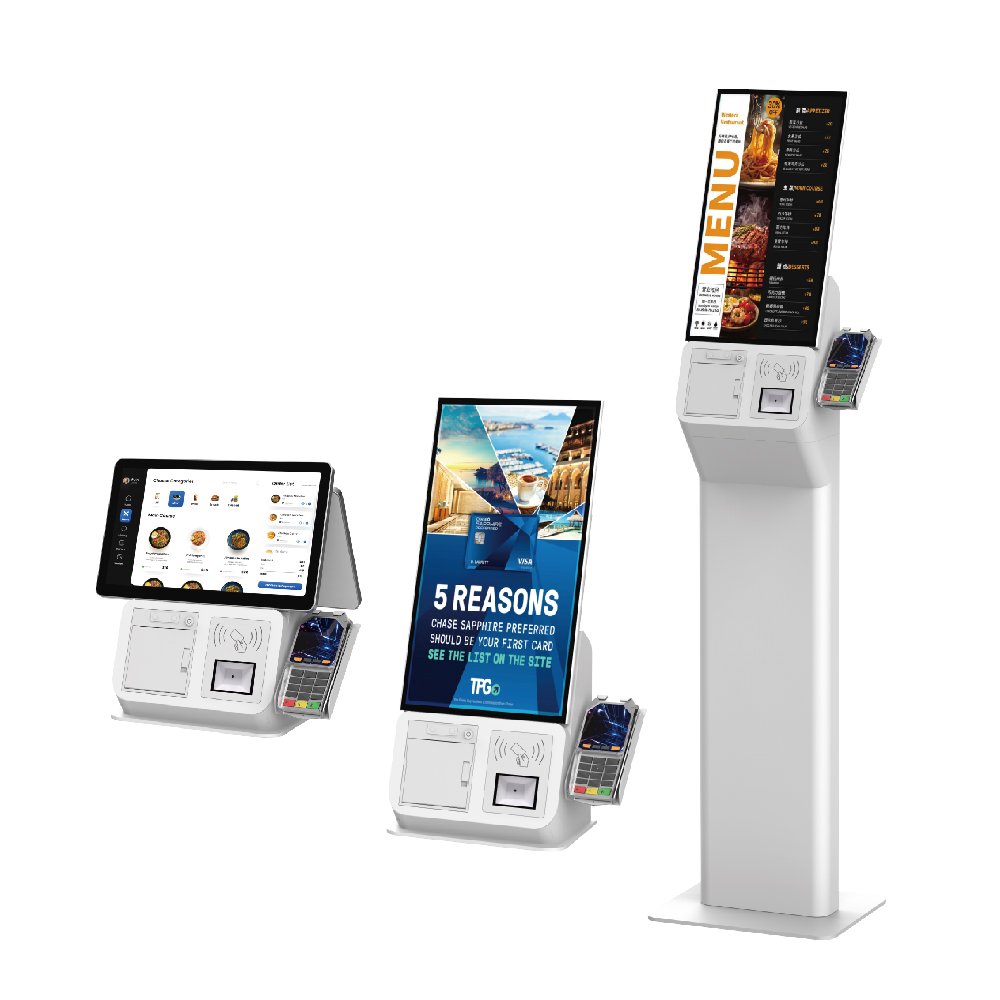
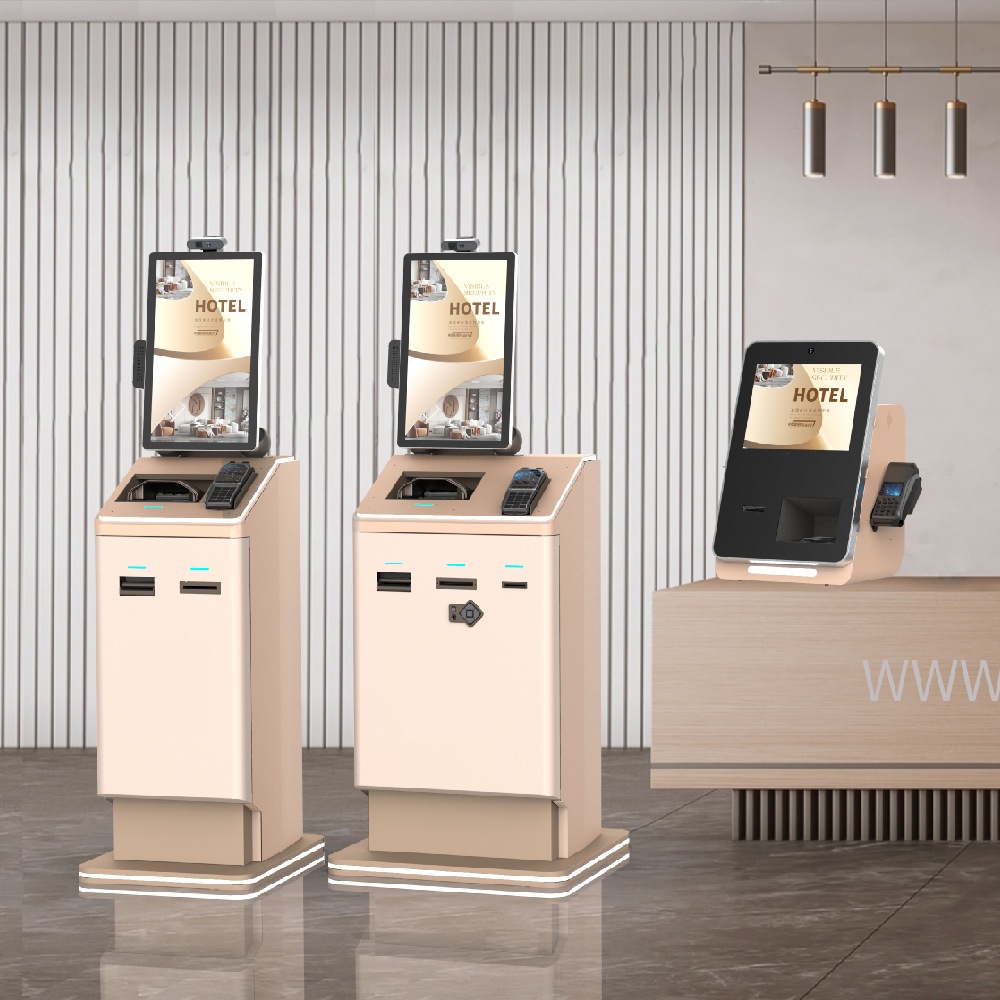
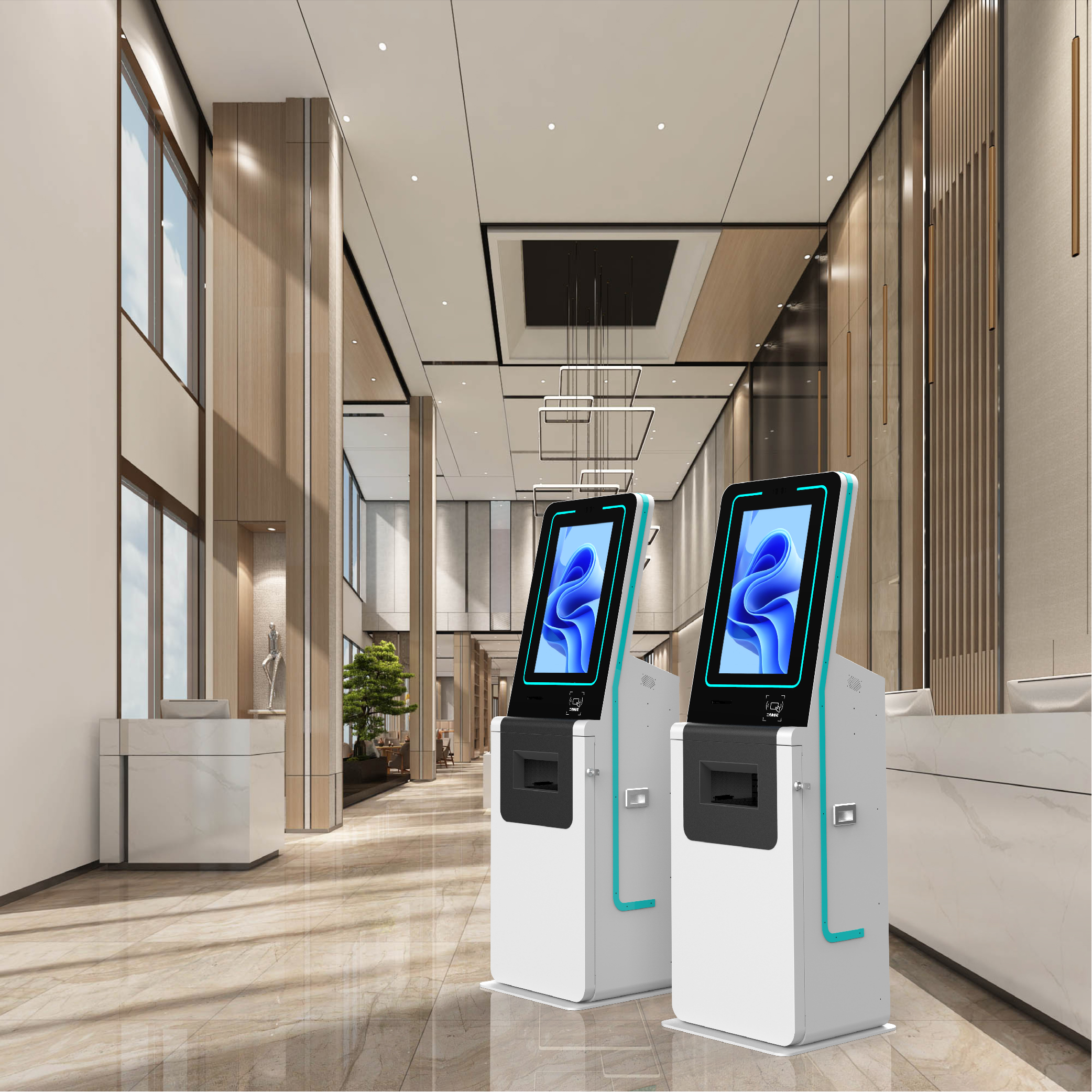
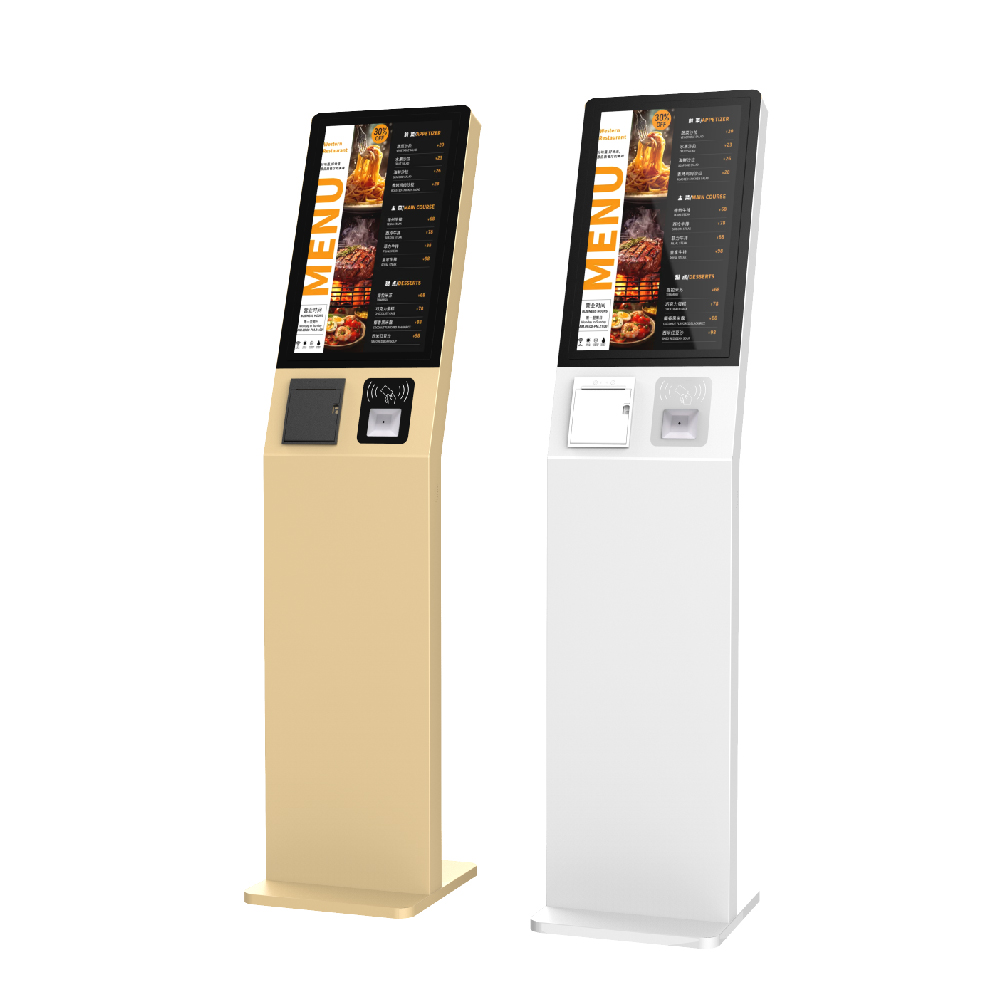
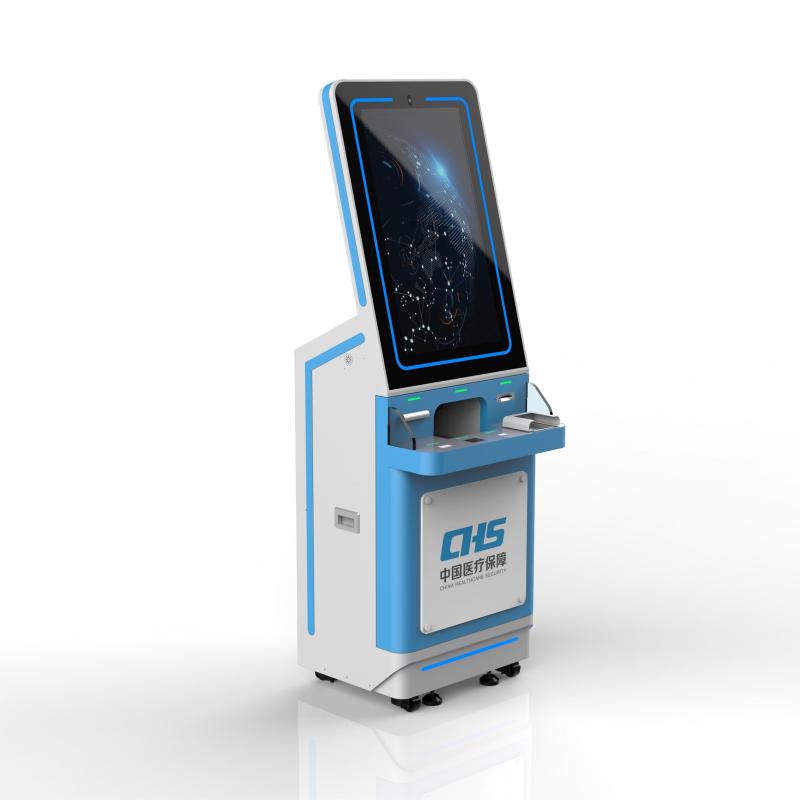
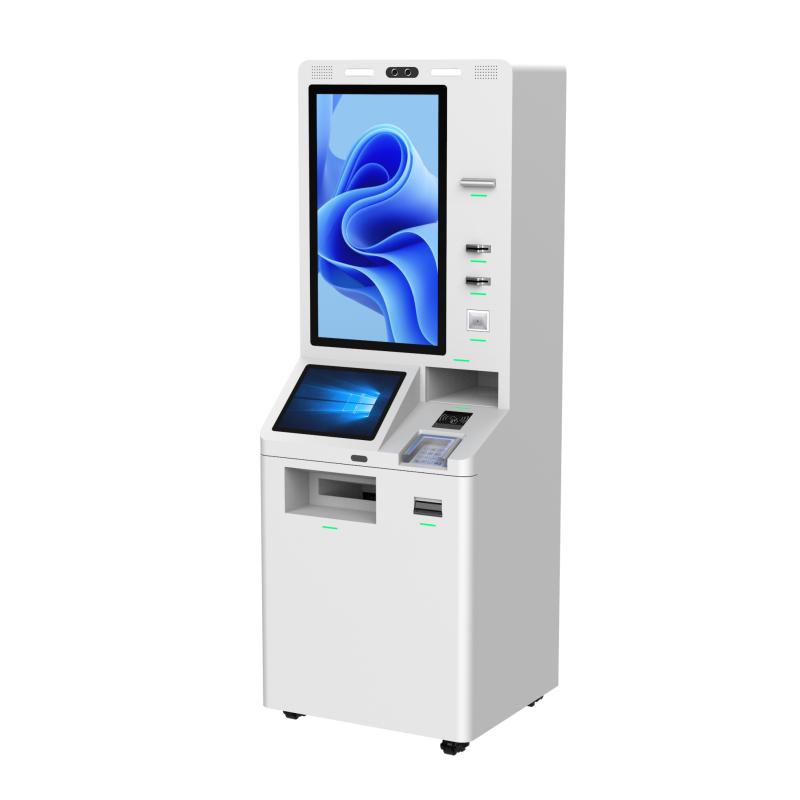
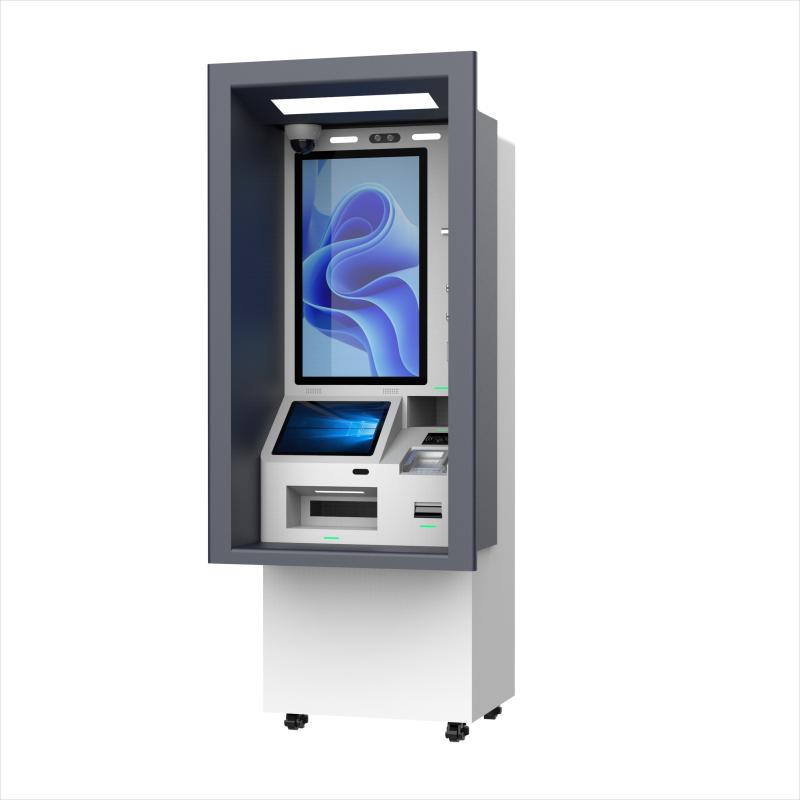
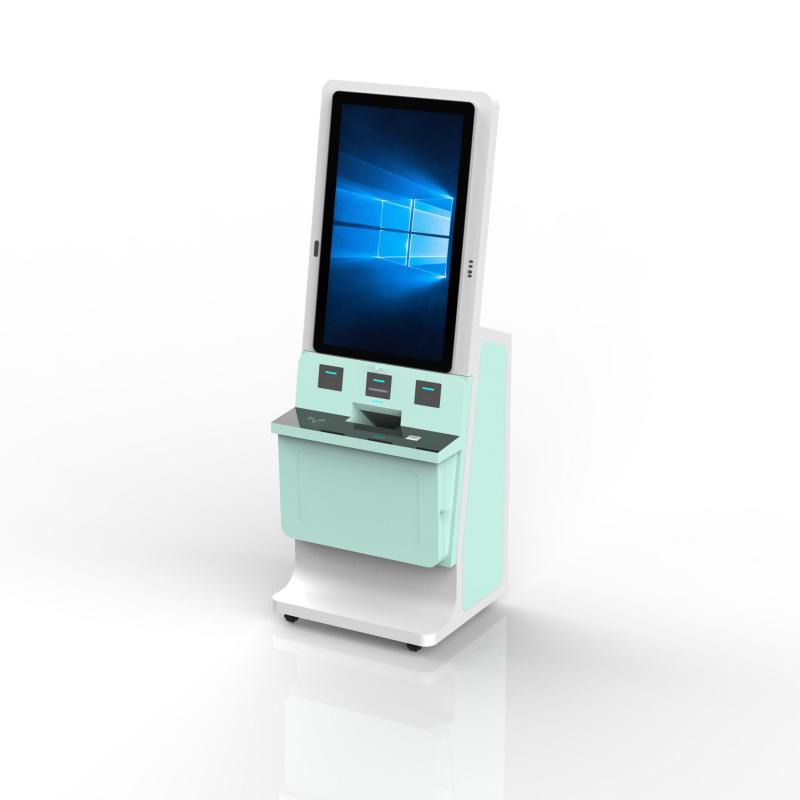
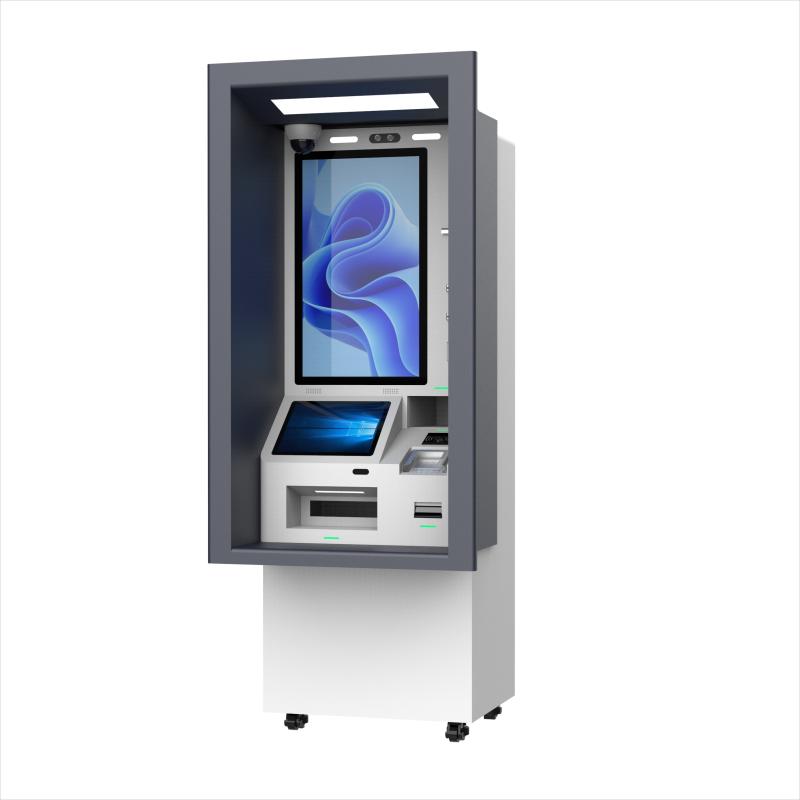
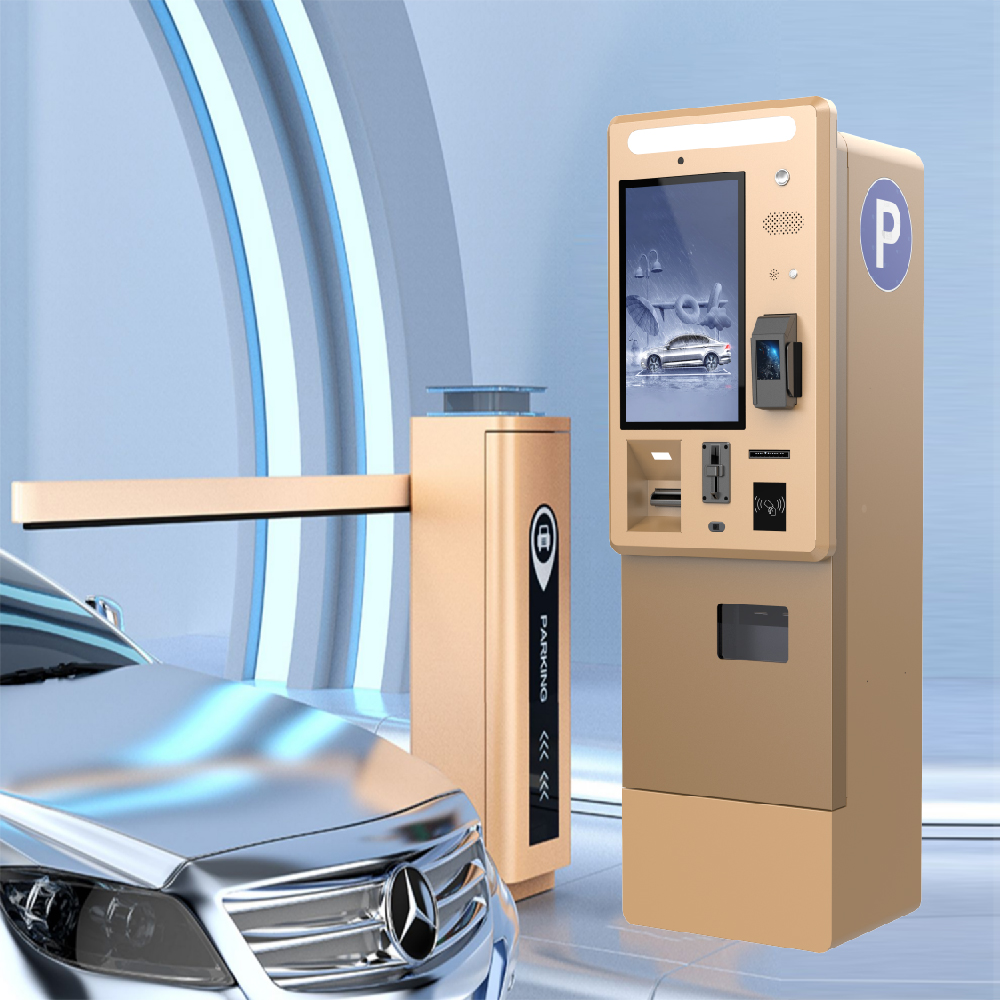
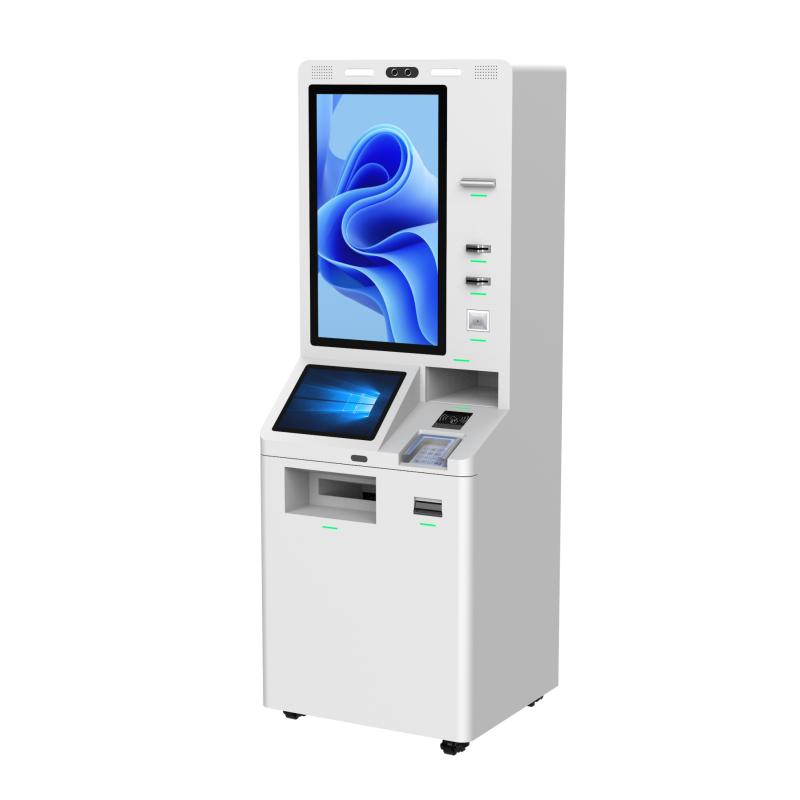
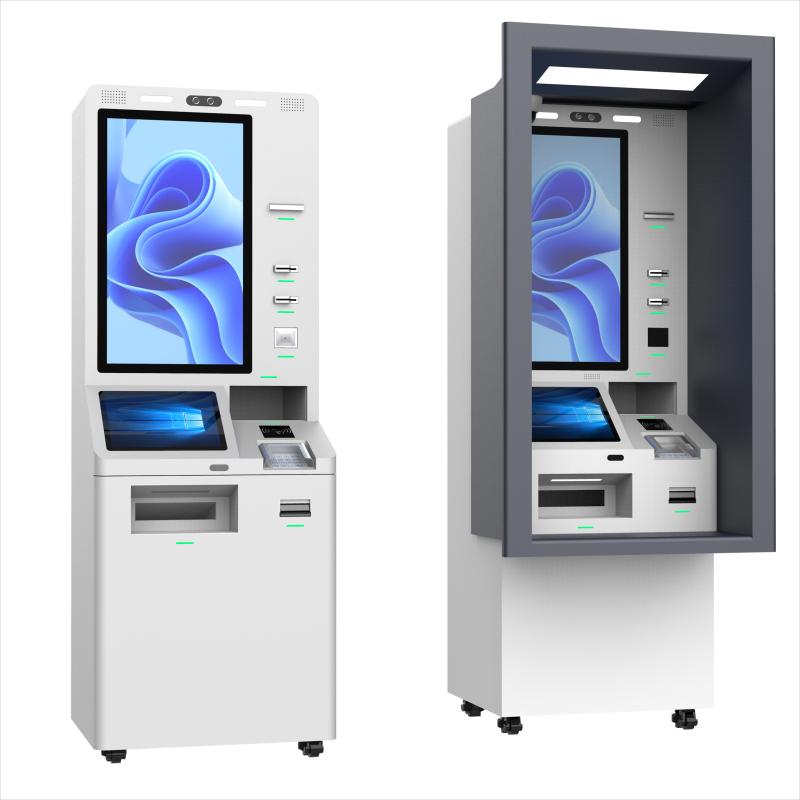
1. Branding and Design:Custom Branding: Incorporate your company’s logo, colors, and branding elements into the kiosk design. Custom Enclosure Design: Choose materials, colors, and shapes that match your business's aesthetic and environment. | 2. Display and User Interface:Screen Size and Type: Select from different touchscreen sizes, resolutions, and types (e.g., anti-glare, capacitive, resistive). Custom UI/UX Design: Develop a personalized user interface tailored to your specific processes and customer interactions. |
3. Payment Options:Multiple Payment Methods: Configure kiosks to accept various payment types, including credit/debit cards, NFC, mobile wallets (e.g., Apple Pay, Google Pay), and cash. Custom Payment Integration: Integrate with specific payment gateways or point-of-sale (POS) systems used by your business. | 4. Peripheral Integration:Barcode/QR Code Scanners: Add scanners for product identification, loyalty programs, or coupon redemption. Receipt Printers: Choose from different types of receipt printers or integrate printers that support custom receipt formats. NFC/RFID Readers: Customize kiosks to support contactless payment or loyalty programs through NFC or RFID technology. |
5. Security Features:Custom Access Controls: Implement features like biometric authentication, PIN entry, or camera surveillance to enhance security. Tamper-Resistant Enclosures: Customize the physical security of the kiosk to prevent unauthorized access or vandalism. | 6. Software and Connectivity:Custom Software Solutions: Develop or integrate specific software applications to suit your business needs, such as customer relationship management (CRM) or inventory management. Remote Management: Include remote monitoring and update capabilities to manage kiosks across multiple locations. |
7. Accessibility Features:ADA Compliance: Ensure kiosks are accessible to all users, including those with disabilities, by adding features like adjustable screen height, voice assistance, and tactile buttons. Multilingual Support: Customize the interface to support multiple languages based on your customer demographics. | 8. Environmental Considerations:
Indoor/Outdoor Use: Customize kiosks for specific environments, such as rugged, weather-resistant models for outdoor use. Power Options: Opt for energy-efficient components or alternative power sources, such as solar panels, if needed. |
Purchase Considerations for Self-Payment Kiosks
1. Business Needs and Objectives: Determine the primary purpose of the kiosks (e.g., speeding up transactions, improving customer experience) and how they align with your business goals.
2. Budget and ROI: Evaluate the total cost of ownership, including upfront purchase, installation, and ongoing maintenance. Consider the potential ROI based on increased efficiency, cost savings, and potential sales uplift.
3. Customization Requirements: Identify the necessary customization options to ensure the kiosk meets your specific business needs, whether in branding, payment methods, or peripheral integration.
4. Quality and Durability: Assess the build quality and durability of the kiosk, particularly if it will be used in high-traffic areas or challenging environments (e.g., outdoor settings).
5. Vendor Reputation and Support: Research the reputation of the kiosk manufacturer, their experience in the industry, and the level of customer support they offer, including warranties, technical assistance, and after-sales service.
6. Ease of Integration: Ensure the kiosk can integrate seamlessly with your existing systems, such as POS, inventory management, or customer databases, to avoid operational disruptions.
7. Scalability and Flexibility: Consider whether the kiosk solution is scalable to grow with your business and flexible enough to adapt to future technological advancements or changes in business needs.
8. Compliance and Security: Ensure the kiosk complies with relevant industry regulations (e.g., PCI-DSS for payment processing) and includes robust security features to protect customer data and prevent fraud.
9. User Experience: Test the user interface for intuitiveness and ease of use. A positive user experience is critical to the success of self-payment kiosks, as it directly impacts customer satisfaction and adoption rates.
10. Installation and Maintenance: Evaluate the installation process, the ease of maintaining the kiosks, and the availability of ongoing technical support or remote management options to minimize downtime.


What did our happy clients say?
The self payment kiosk runs smoothly with a user-friendly interface. Customers find it very convenient to use. The device is of high quality, easy to install, and the after-sales service is very professional. Extremely satisfied!
The payment kiosk we purchased has significantly improved our checkout efficiency, and customer feedback has been very positive. The manufacturer’s service is prompt and thoughtful. We are very pleased with this product!
This self payment kiosk has greatly enhanced our business operations. It’s reliable, efficient, and the customer experience has improved noticeably. The support team is responsive and helpful. Highly satisfied!
The kiosk is easy to set up and use, with multiple payment options that our customers appreciate. It has streamlined our processes, and the quality is excellent. We couldn’t be happier with this purchase!