Summary: Self-Services Kiosk Detailed Components
1. Hardware Components
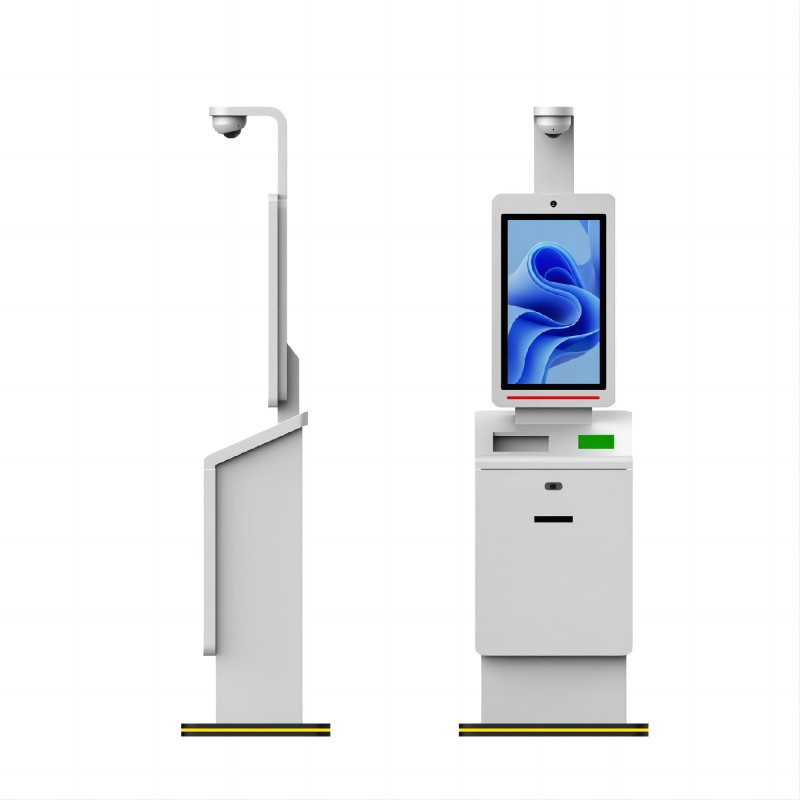
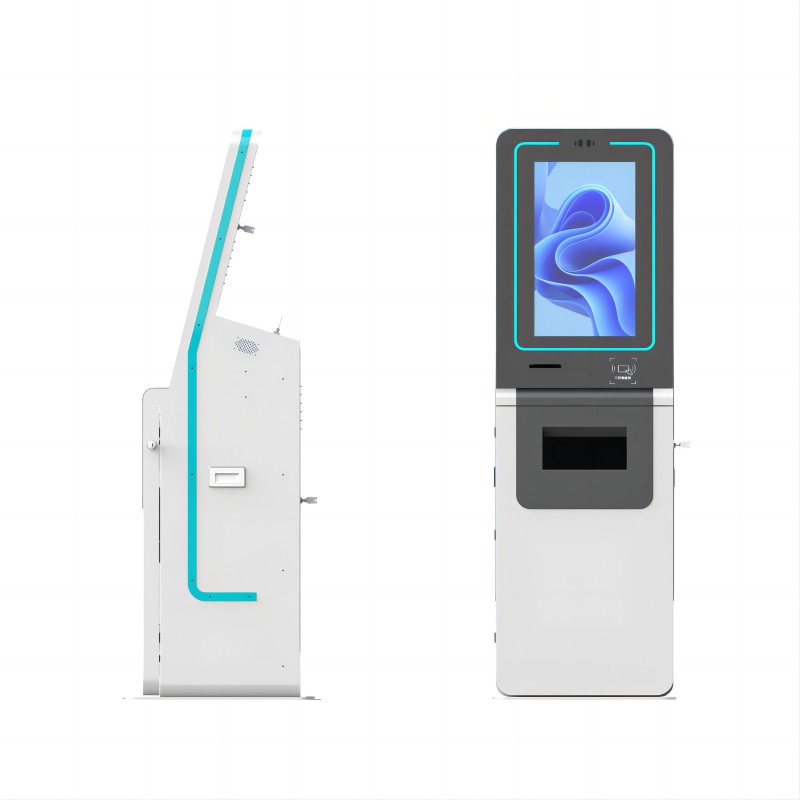
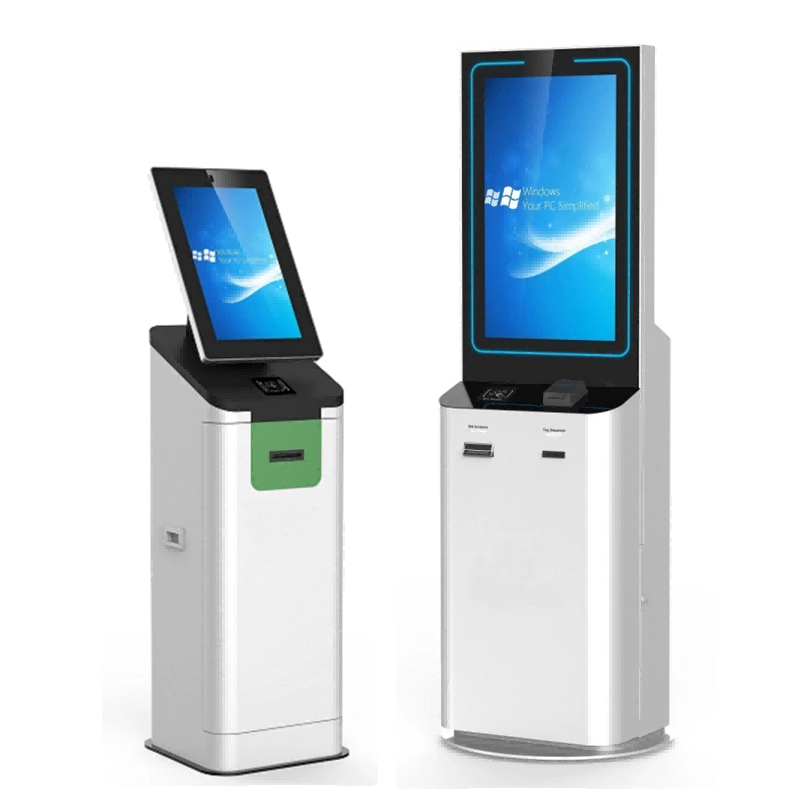
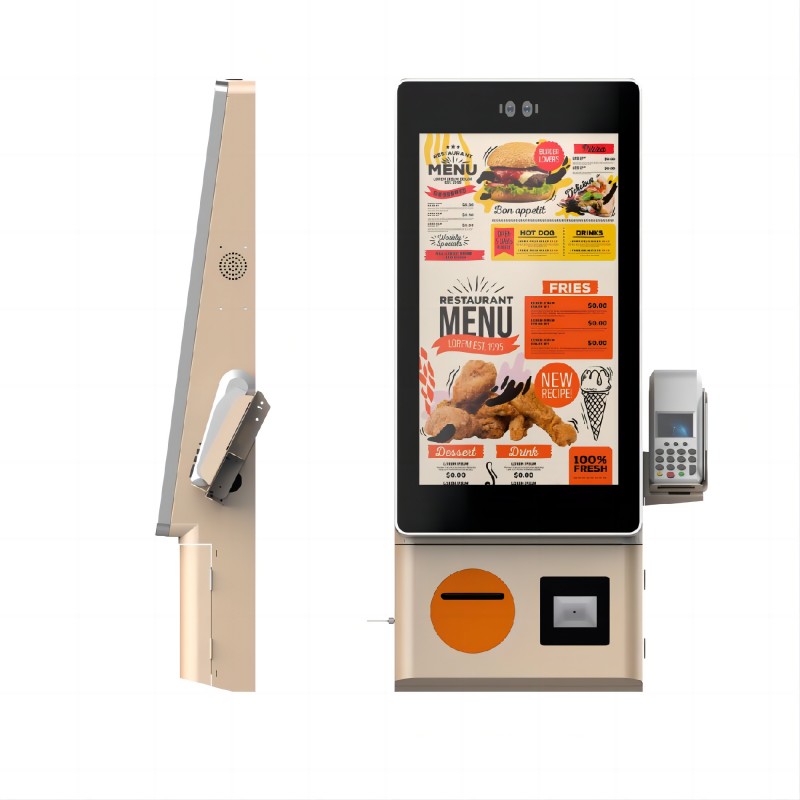
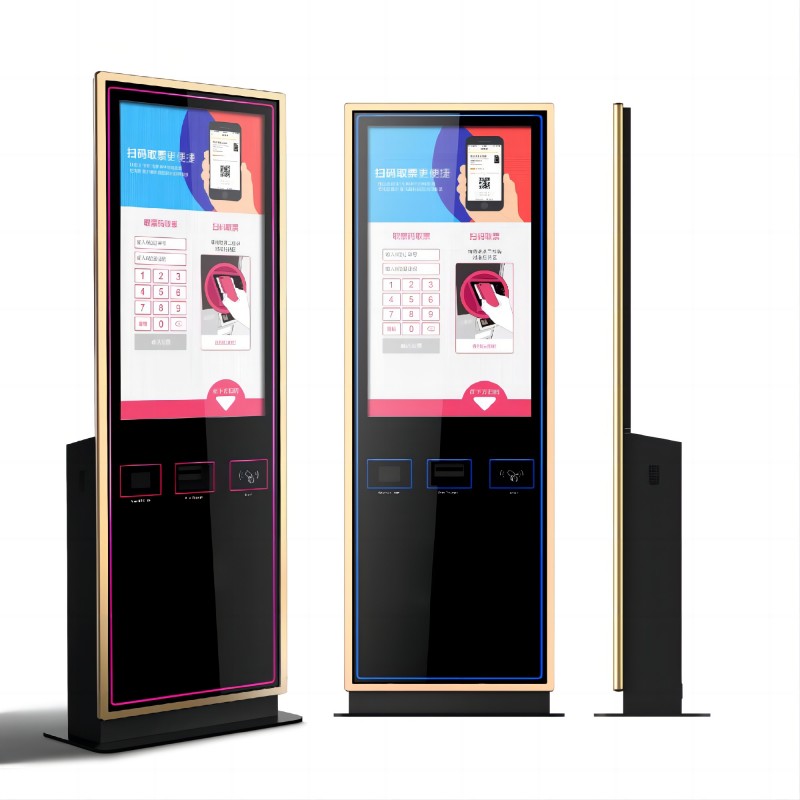
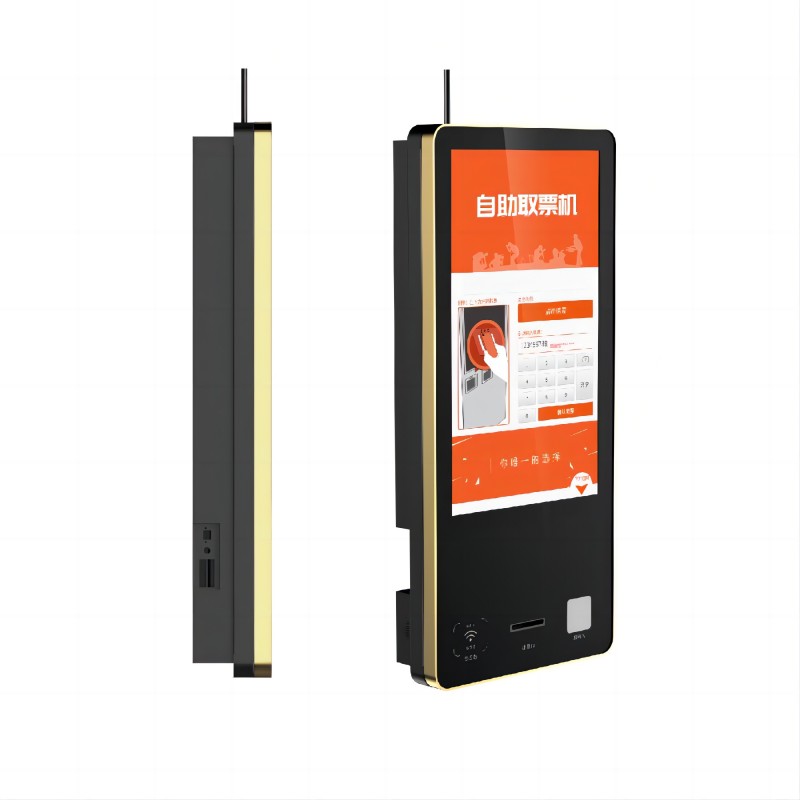
Enclosure: Durable and often weatherproof casing to protect the internal components. Made from materials like stainless steel or aluminum.
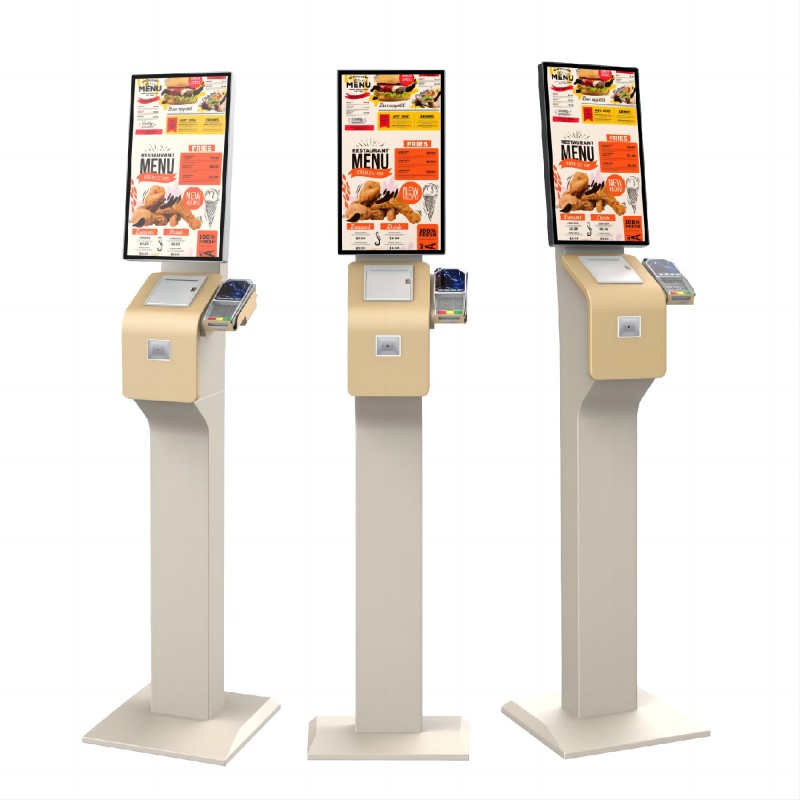
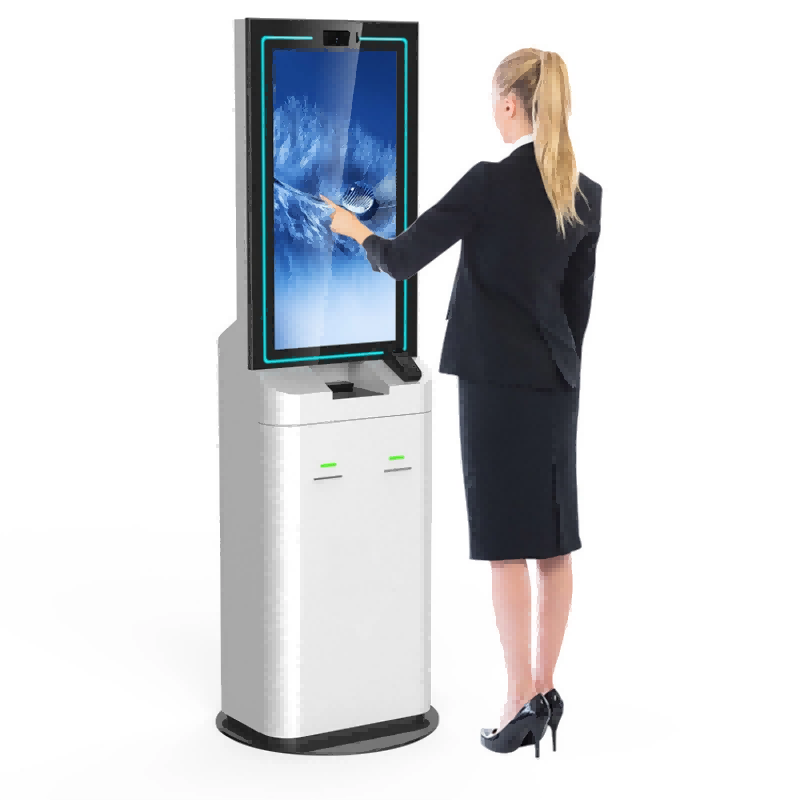
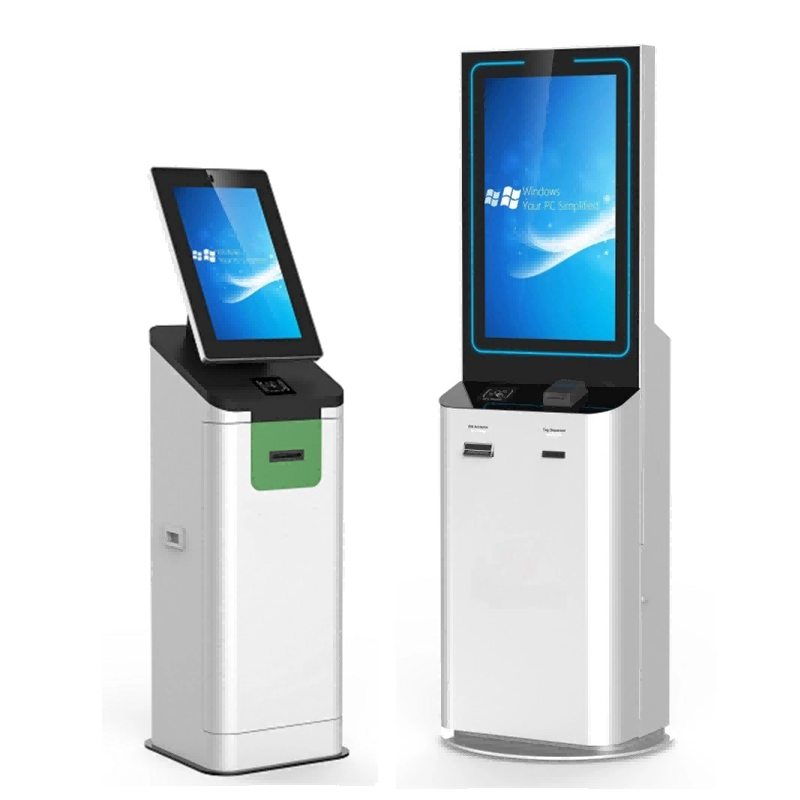
Touchscreen Display: High-resolution screens, often with anti-glare and high-brightness capabilities. Capacitive or resistive touch technology.
Processor: Typically includes Intel or ARM-based processors to ensure smooth operation and multitasking.
Memory and Storage: Adequate RAM (usually 4GB or more) and storage options (HDD or SSD) to handle software applications and data.
Connectivity: Options for Wi-Fi, Ethernet, and sometimes cellular connectivity to ensure reliable network access.
Power Supply: Robust power units, often with surge protection and sometimes with battery backup options.
Peripheral Devices:
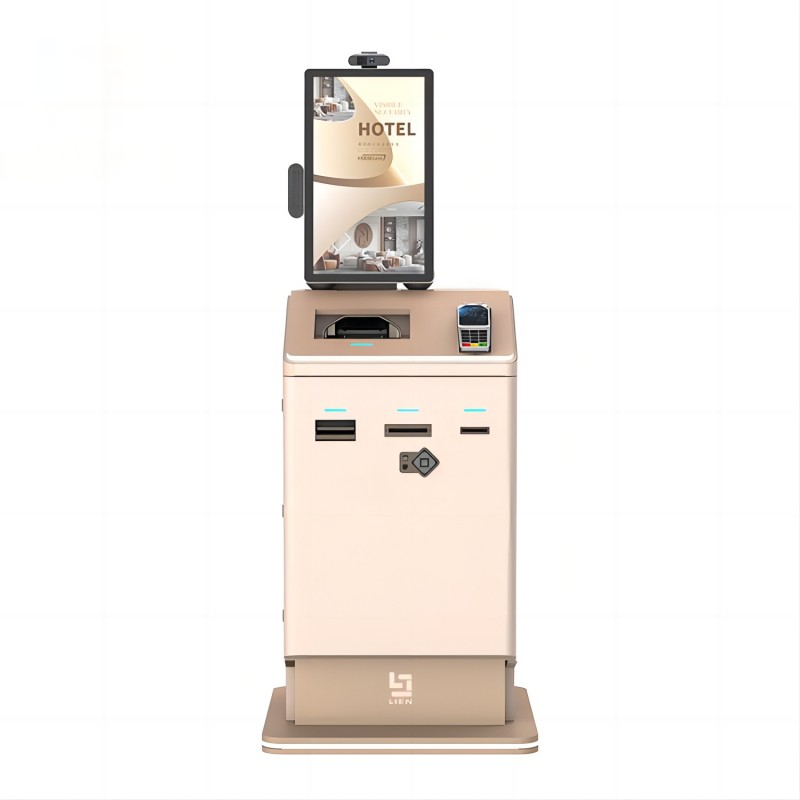
Printers: Thermal or inkjet printers for receipts, tickets, or other printed materials.
Card Readers: Magnetic stripe readers, chip card readers, and contactless payment options (NFC/RFID).
Barcode Scanners: For scanning products, tickets, or user identification.
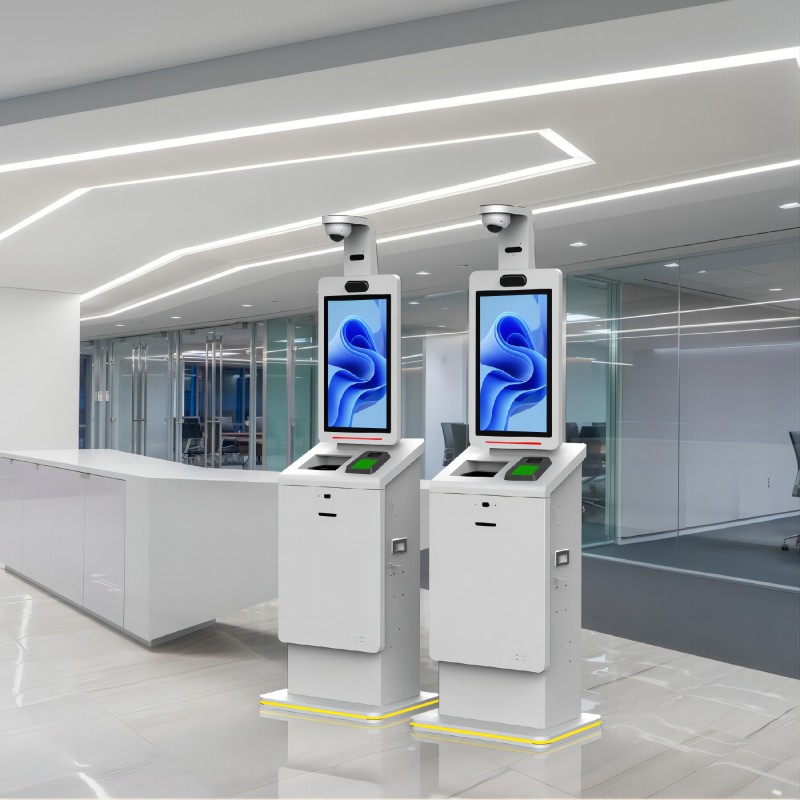
Cameras: For security, user interaction, or facial recognition.
Speakers and Microphones: For audio instructions, feedback, and communication.
2. Software Components
Operating System: Typically Windows, Linux, or Android, providing a stable and secure platform for applications.
User Interface (UI) Software: Custom-designed interfaces that are intuitive and user-friendly, tailored to the kiosk’s specific application.
Content Management System (CMS): Allows remote management of the content displayed on the kiosk, including updates, scheduling, and monitoring.
Security Software: Ensures data encryption, user authentication, and protection against malware and cyber threats.
Application Software: Specific to the kiosk’s purpose, such as:
Payment Processing Software: For handling transactions securely and efficiently.
Navigation Software: For wayfinding and information display.
Customer Interaction Software: For feedback collection, surveys, and customer service.
Monitoring and Reporting Tools: Track the kiosk’s performance, usage statistics, and maintenance needs, often accessible remotely.
3. Network and Connectivity
Internet Connectivity: Essential for real-time updates, data transfer, and remote management.
Networking Hardware: Routers, modems, and network switches to ensure stable and secure connections.
4. Additional Features
Cooling Systems: To manage internal temperature and ensure optimal performance in various environments.
Accessibility Features: Options like voice commands, screen readers, and adjustable heights to accommodate all users, including those with disabilities.
Branding and Customization: Customizable exterior designs, colors, and logos to match the branding of the business or organization.
By combining these components, self-service kiosks provide a versatile, efficient, and user-friendly solution for a wide range of applications, enhancing both user experience and operational efficiency.

What did our happy clients say?
Intuitive Interface:
We are thrilled with our new self-services kiosk! The intuitive touchscreen interface is incredibly user-friendly, making it easy for our customers to navigate. This has significantly improved our service efficiency. Thank you!
Excellent Customer Support:
The customer support we received was outstanding. From installation to troubleshooting, the team was always available and helpful. Their service has made our experience seamless and stress-free. Highly recommend!
Robust Security:
The robust security features of these self-services kiosks are impressive. Our customers feel safe making transactions, and we have peace of mind knowing their data is protected. This is a huge competitive advantage for us. Thank you!
Reliable Performance:
The reliability of the self-services kiosk is unmatched. They perform flawlessly even under heavy usage, ensuring our operations run smoothly. This level of dependability is exactly what we needed. Thanks for such a reliable product!